.png)
1. PO Box Inquiry
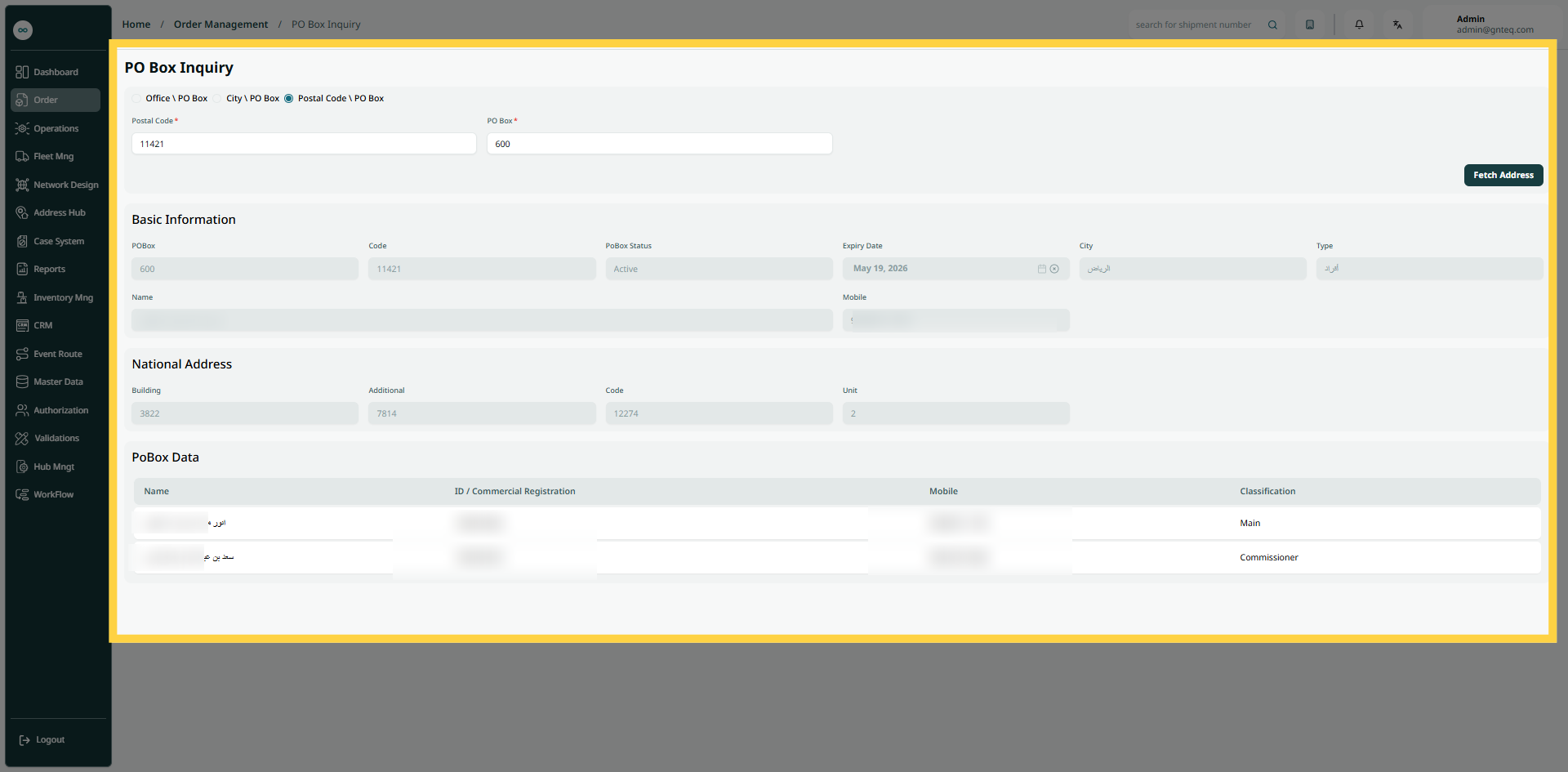
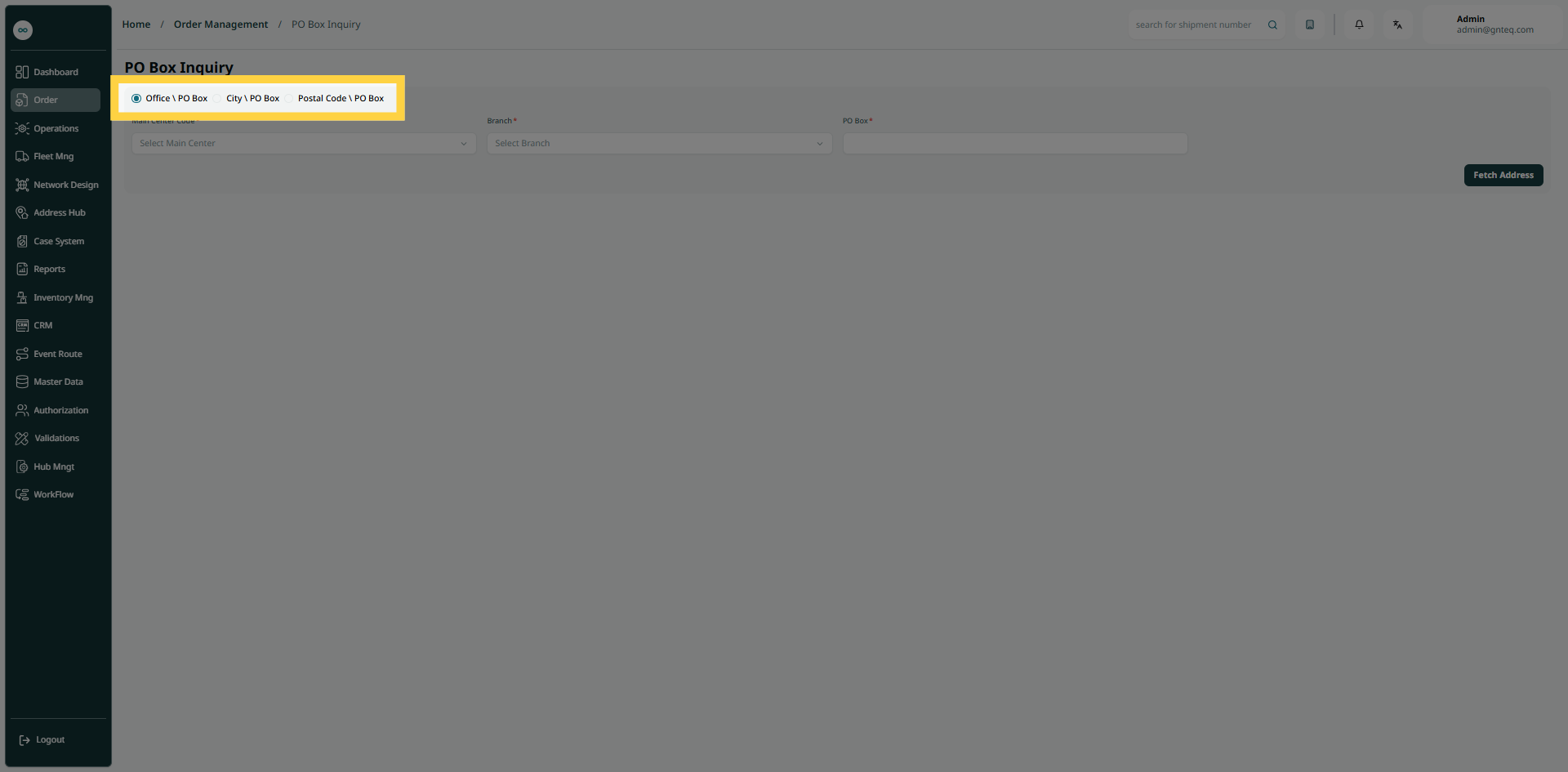
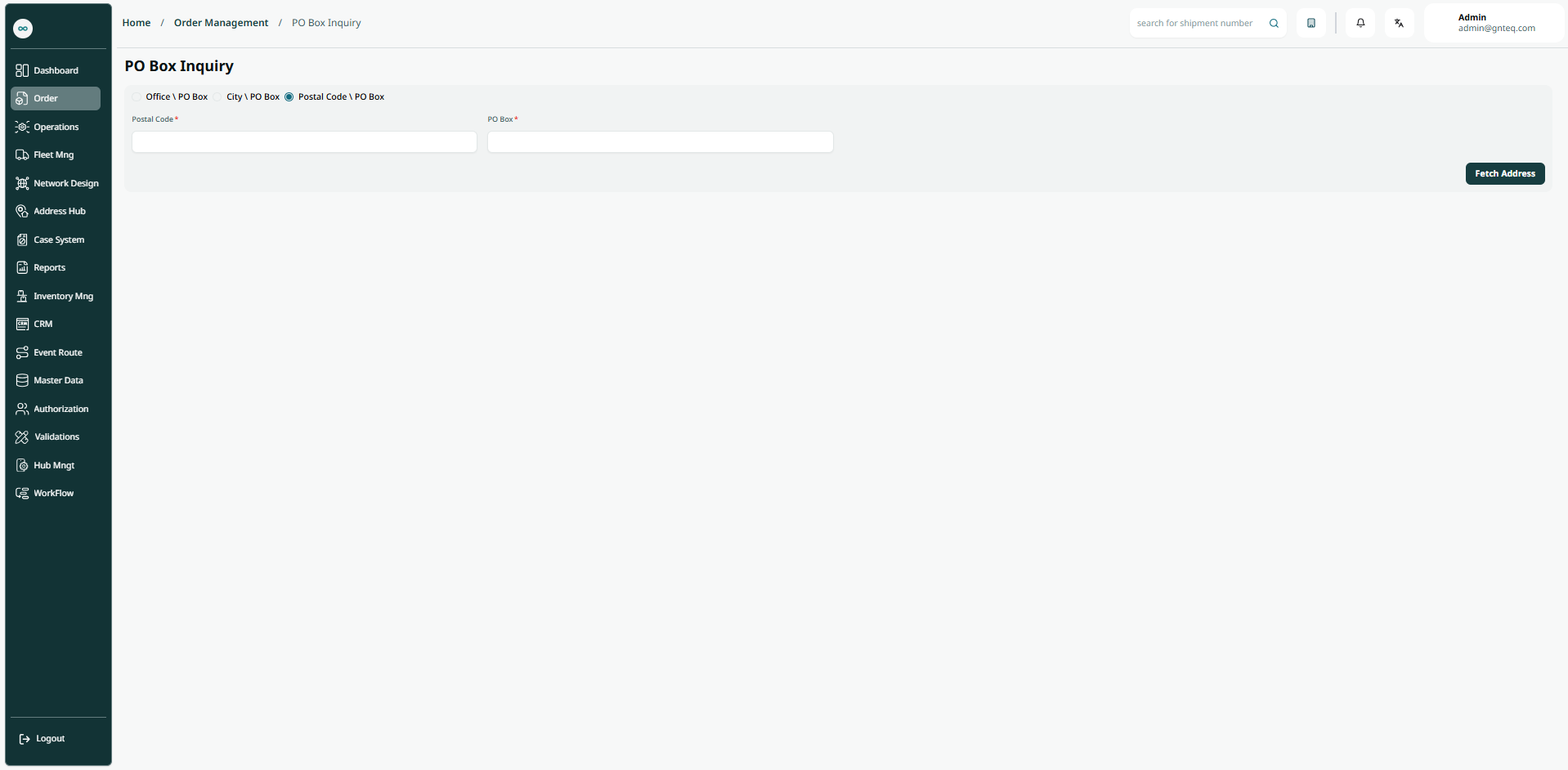
The user can search for PO Boxes within the system by navigating to the "PO Box Inquiry" screen in Order Management via the left navigation panel. This tool verifies PO Box availability, status, or management details for secure mail delivery. Specify the post office, city, or postal code to check options efficiently.
-
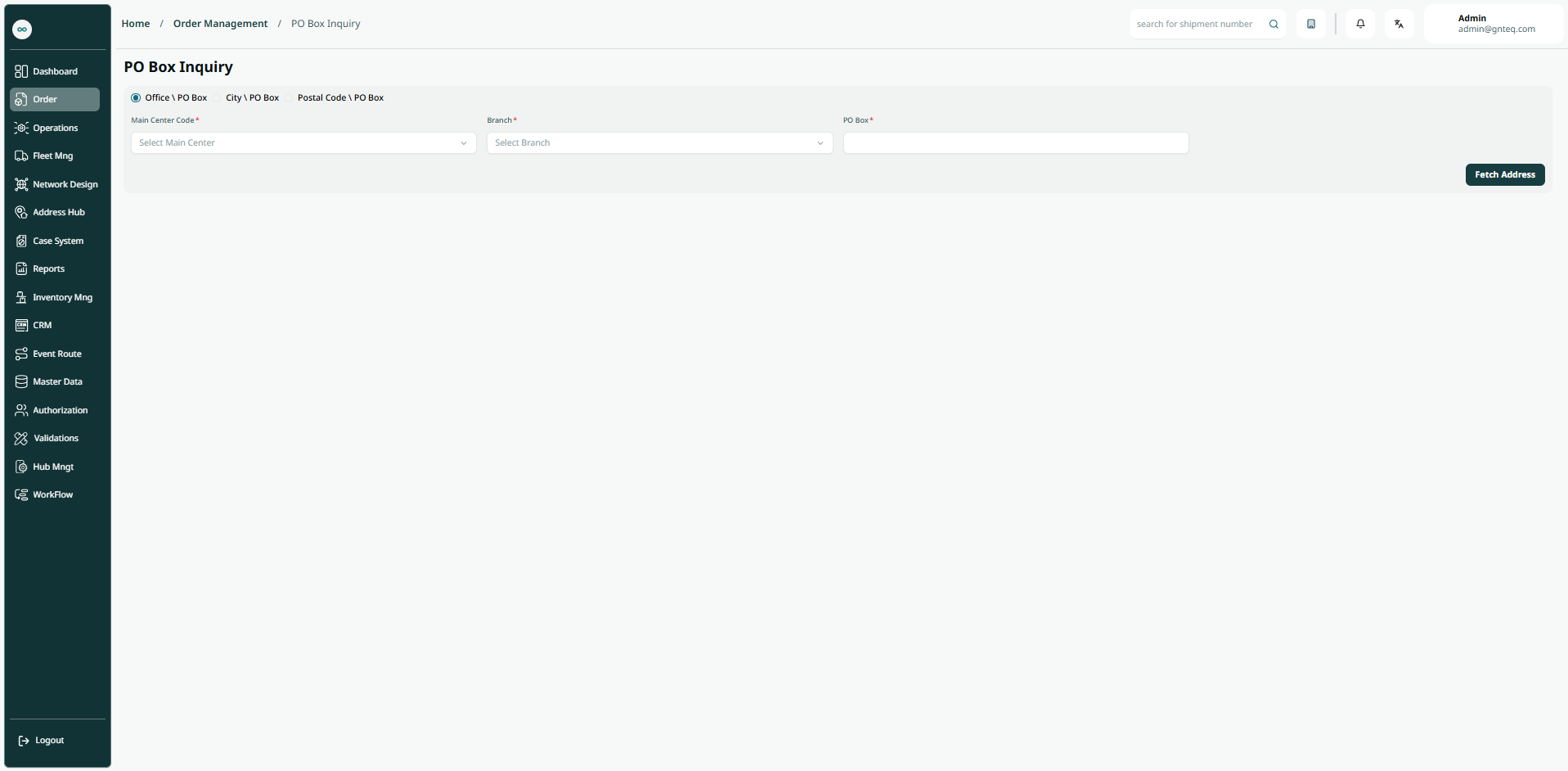
Main Centre: this field represents the city where the PO box is.
-
Branch: this field represents the station or route where the PO box is.
-
PO Box: this field represents the postal code for the consignee’s post office box.
-
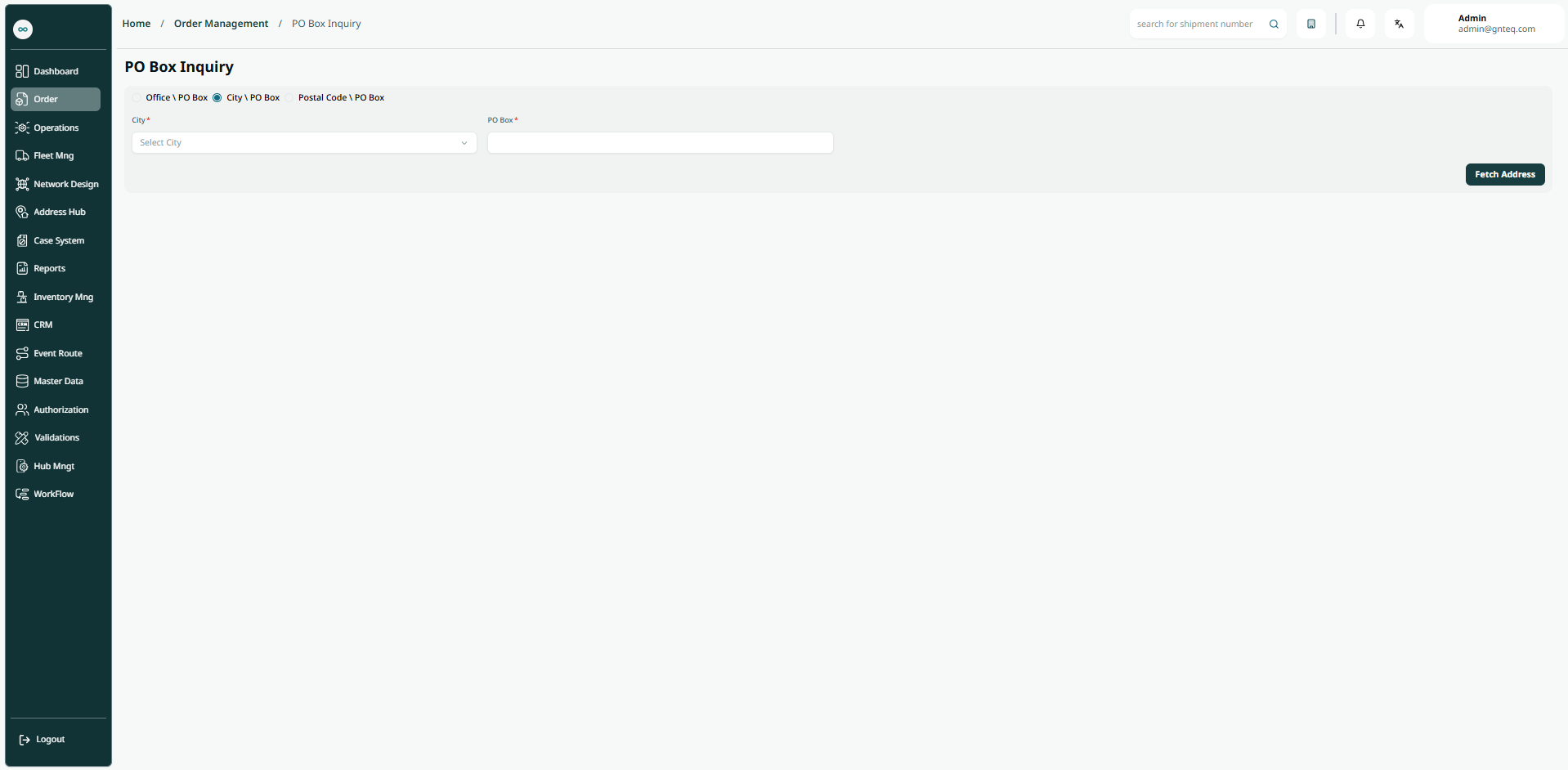
City: this field represents the name of the city where the PO box is.
-
PO Box: this field represents the postal code for the consignee’s post office box.
-
Postal Code: this field represents a series of letters and numbers added to the postal address to sort and classify mail.
-
PO Box: this field represents the postal code for the consignee’s post office box.
By clicking on Fetch Address, the system will retrieves the PO Box details automatically